
AI for Teachers: Learn the Basics & Build Your Own Classroom App
No coding neededIn 90 minutes, understand the AI words everyone uses, write prompts that actually work, try free AI tools, and build a simple app for your own class, live with us.
- Saturday, 14 November 2026
- 10:00 to 11:30 AM IST
- Live on Google Meet
- Free, limited seats


From AI basics to your first classroom app
Four short, practical blocks. Bring a laptop if you can and try everything with us as we go.
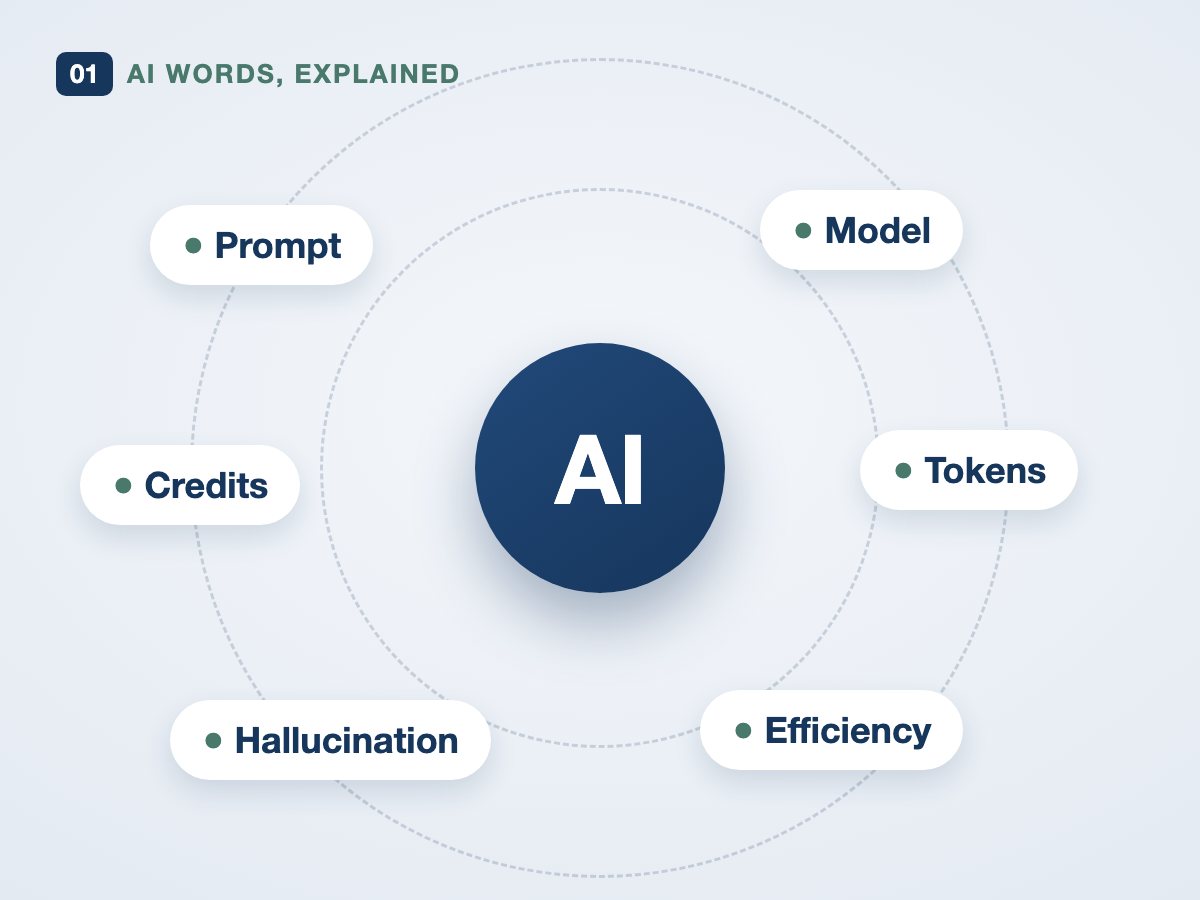
AI words, explained simply
Prompt, model, tokens, hallucination: the words everyone uses, finally made clear.
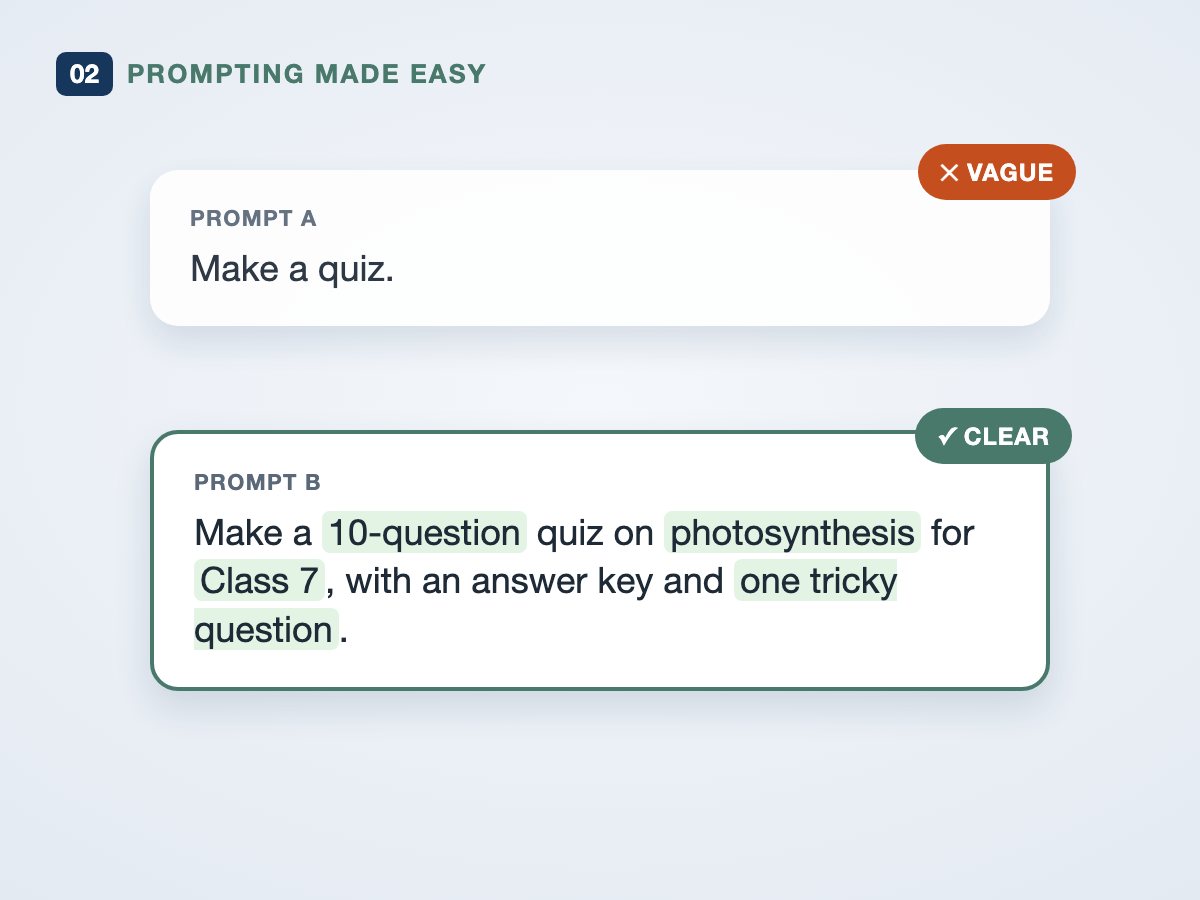
Prompting made easy
See the same tool give a poor answer and a great one. The only difference is how you ask.
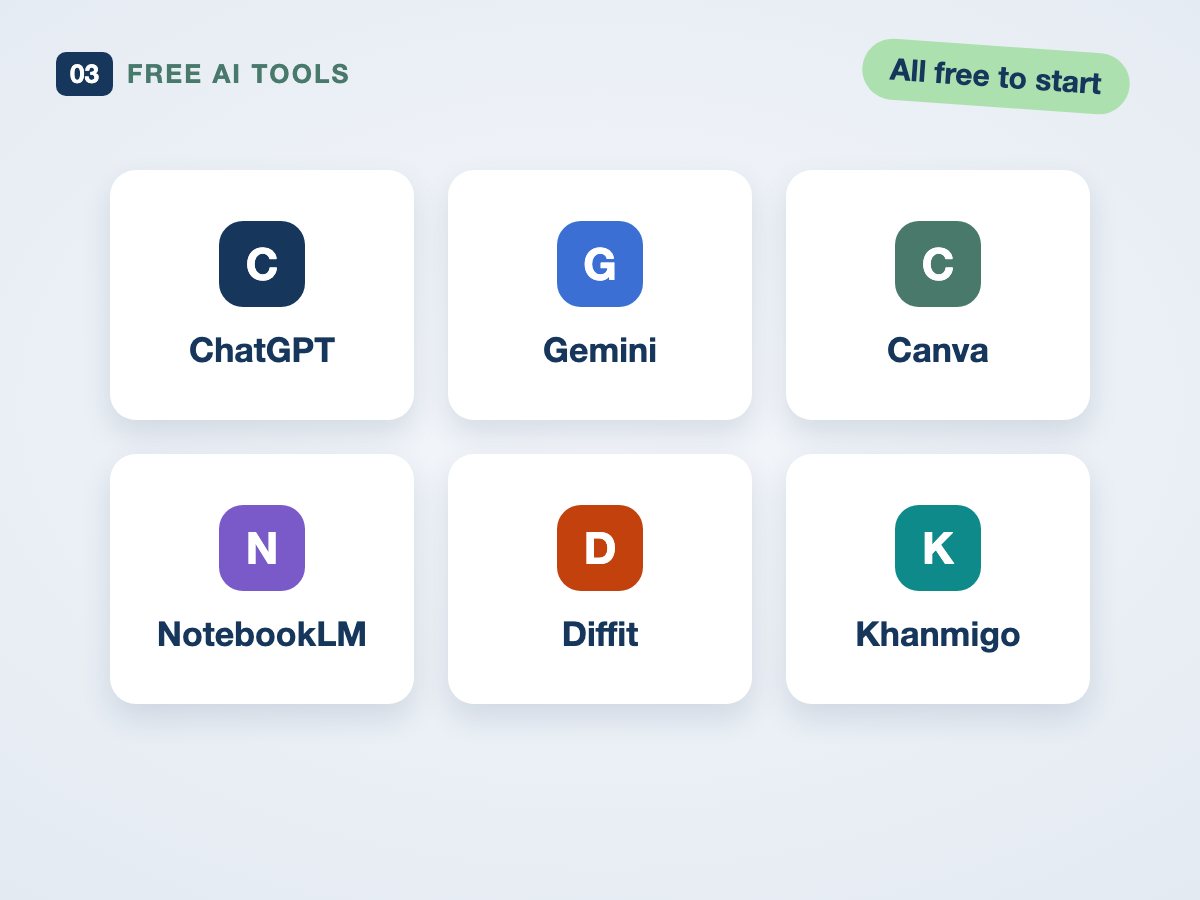
Free AI tools for this week
ChatGPT, Gemini, Canva, NotebookLM and more: what each one is good for, and how to start free.
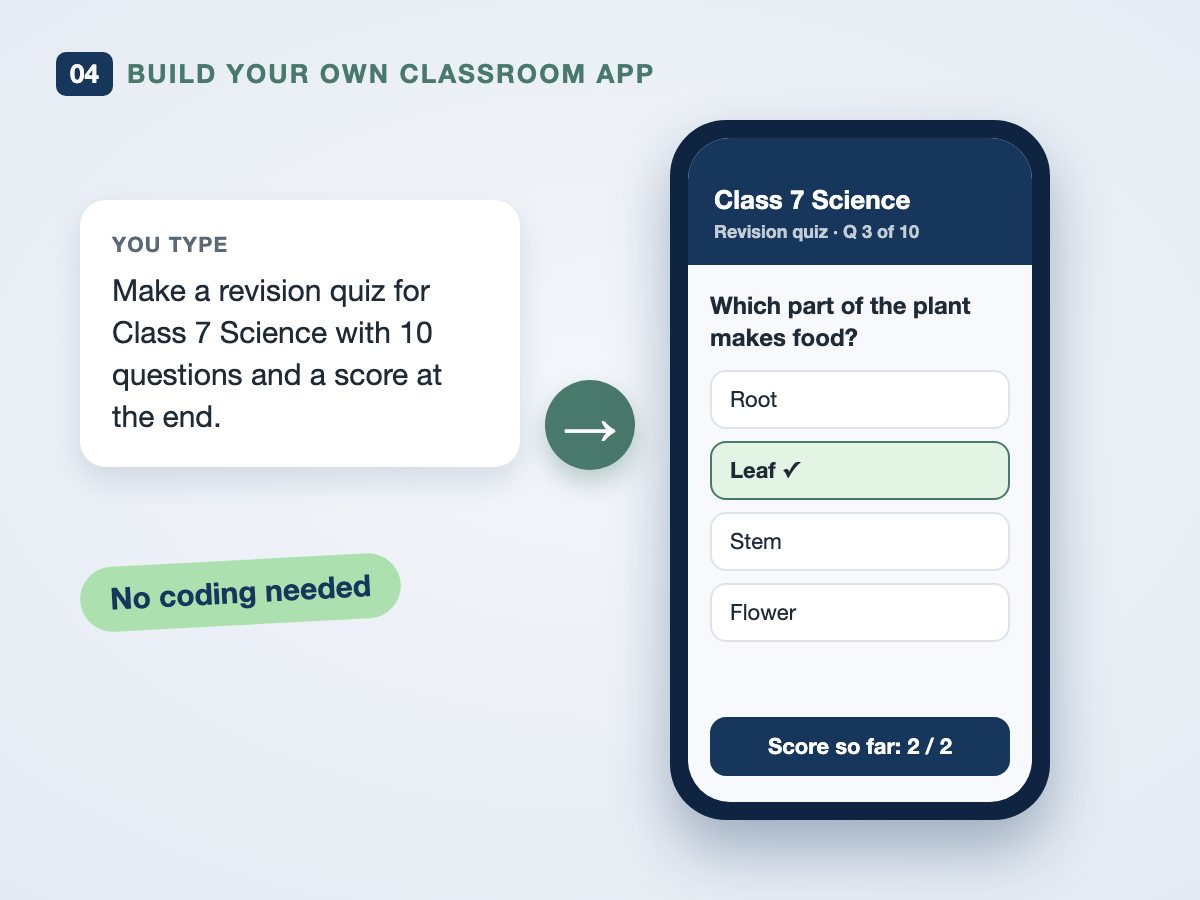
Build your own classroom app
Describe what you need in plain words and AI builds a simple app for your class, like a revision quiz. No coding.
Made for schools
No technical background needed. If you can use WhatsApp and Google, you can follow every step.
Dhilip Prabhakaran
Senior Business Analyst
Dhilip takes you from AI basics to building a simple classroom app, live and step by step, with no coding.
Agenda
Saturday, 14 November 2026 · 10:00 to 11:30 AM IST
- 10:00WelcomeWhat you’ll leave with today
- 10:05AI words, explained simplyThe vocabulary, without the jargon
- 10:17Prompting made easyOne bad prompt, one good prompt, same tool
- 10:32Free AI tools for this weekWhat to use, and for what
- 10:52Build your own classroom app, liveNo coding: describe it, and watch it get built
- 11:07Live demo: Pulse CardSee your classroom while you teach
- 11:17Your questions, answeredOpen Q&A
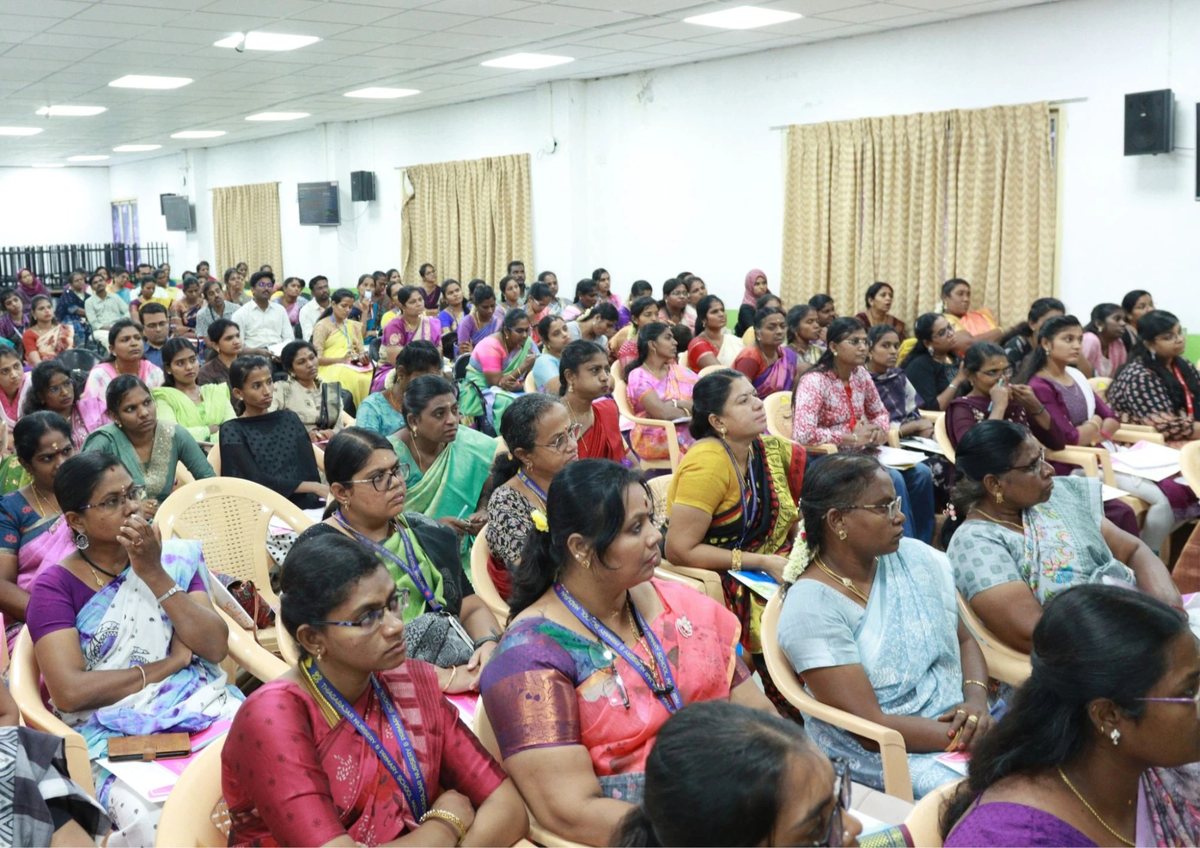
Teachers are already learning with us
In September we hosted teachers from across Madurai for a hands-on session on AI in the classroom. This webinar brings the same approach online, for schools across Tamil Nadu.


Reserve your free seat
It takes under a minute. Seats are limited to keep the session interactive.
- Your Google Meet link by email, straight away
- A calendar invitation, so you join without waiting
- Reminders 3 days, 1 day and 1 hour before
- The recording and a free AI tools cheat sheet afterwards
You’re registered, !
Your Google Meet link is on its way to . Please check your inbox (and the spam folder, just in case).
Saturday, 14 November · 10:00 AM ISTGood to know
Is it really free?
Yes. There is no fee, and you don’t need to buy or install anything.
Do I need to know coding to build the app?
No. You describe what you want in plain words and the AI tool builds it. We’ll do it together, step by step.
What do I need to join?
A laptop or phone with internet. A laptop with Chrome works best. You get the Google Meet link by email as soon as you register, plus a calendar invitation.
Will there be a recording?
Yes. Everyone who registers gets the recording and a free AI tools cheat sheet by email after the session, even if you miss it live.
Who is running the webinar?
The TedQu team at WizdomEdge Solutions, with Dhilip Prabhakaran as speaker. TedQu helps schools and colleges with attendance, quizzes, question papers and progress reports in one platform.
See you on Saturday, 14 November
10:00 to 11:30 AM IST · Live on Google Meet · Free
Reserve your free seat →