
Tasks that reach the right child, and get answered
Smart Diary, Notice Board and Gallery in one app. Homework goes to a class, a group or one child, parents reply on the item itself, and nothing leaks into scattered WhatsApp groups.
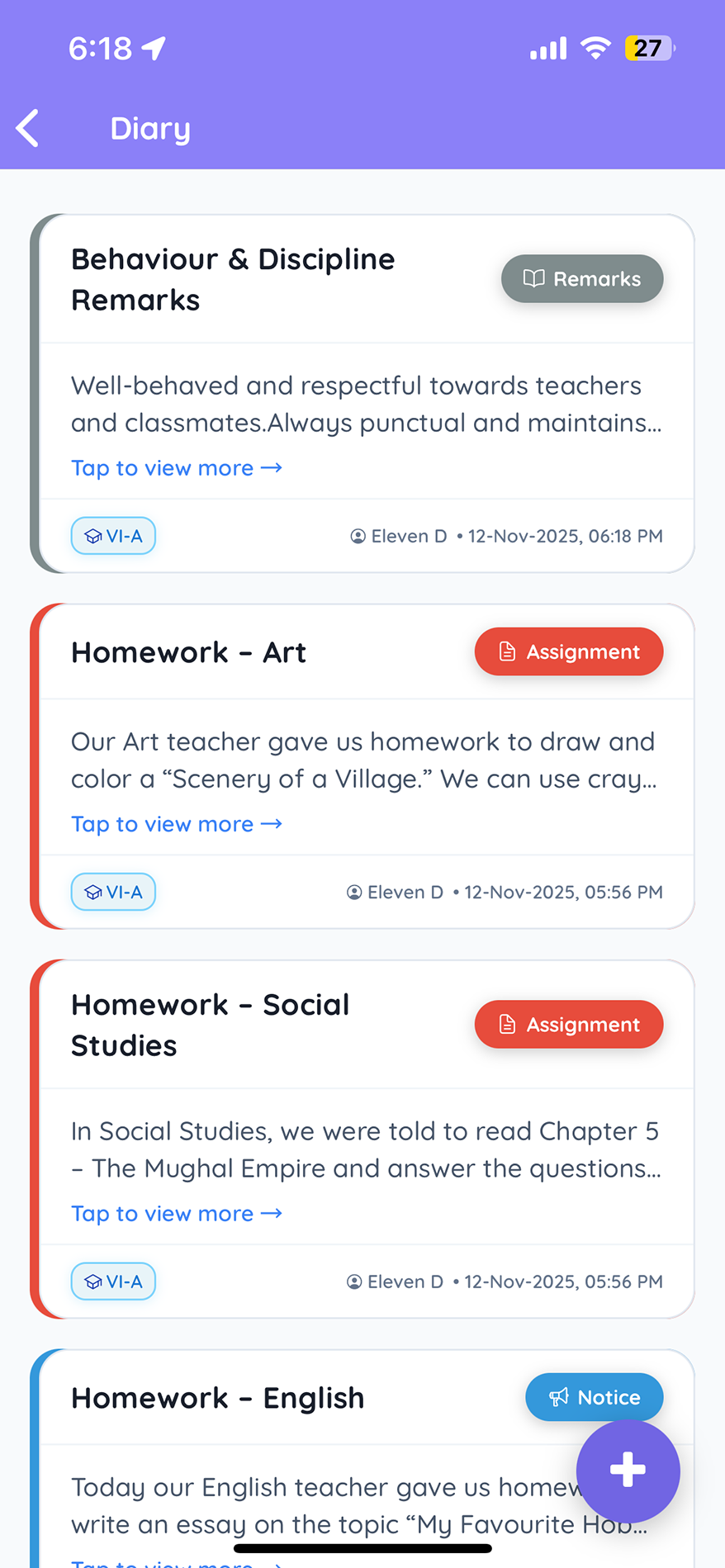
From scattered messages to one channel
The old way
With TedQu
The daily channel
Assigned in a click to the whole class, a group, or one specific child.
Circulars, reminders and class updates reach every parent the same day.
Students respond on the assignment, so teachers see who has submitted.
Doubts are cleared on the diary item, so the conversation stays with the task.
Conversations that stay with the task
Every message has its place
The daily channel for homework, tasks and class updates.
Management-level notices, such as the Annual Day schedule or a fee circular, to every user at once.
School and class event photos shared securely with parents, organised in albums.
More for your classrooms
Bring every school message into one place
See Smart Diary, Notice Board and Gallery in a 30-minute demo.
Book a free demo →Frequently asked questions
Quick answers about TedQu communications.
What is the TedQu Smart Diary?
+
A digital diary for homework, daily tasks and class updates. Teachers assign work to a class, a group or one child, and see who has responded.
Can parents talk to teachers?
+
Yes. Parents chat with the teacher on the specific diary item, so the conversation stays attached to the task.
What is the Notice Board for?
+
School-level announcements from management, such as event schedules or fee circulars, sent to every stakeholder at once.
How are event photos shared?
+
Through the Gallery, which shares school and class event photos securely with parents in albums.
Does TedQu send WhatsApp or SMS alerts?
+
WhatsApp and SMS integrations are available as optional add-ons to deliver alerts and notices to parents.
Is there a school calendar and leave management?
+
Yes. A shared calendar covers events, exams and holidays, and student and staff leave is applied and approved digitally.