
A clash-free day, automatic or manual
Generate the whole school’s timetable from your rules or build it by hand, clash-checked across teachers, classes and rooms. When a teacher is on leave, relief is assigned fairly and everyone is notified.
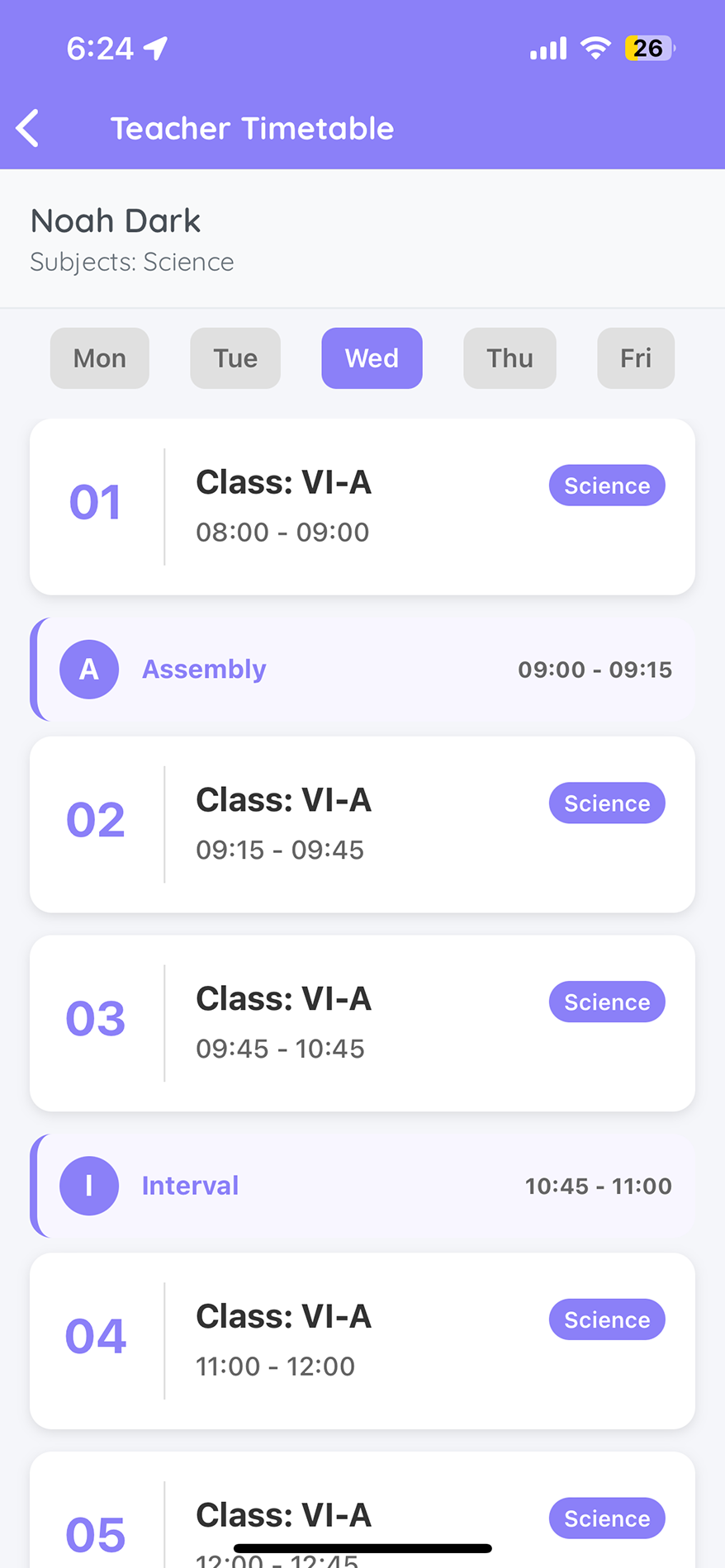
Built around how your school runs
Whole-school generation from your rules, or hand-built with undo, redo and change tracking. Clash-checked throughout.
Venues and labs booked precisely, with room-utilisation reports. Even exam invigilation can be planned room by room.
Generate, compare and enable the version that fits. Planners edit together, always in sync.
An absent teacher, covered in minutes
Fair to every teacher
Limits on how many periods a teacher takes in a day.
No long unbroken runs of classes.
Keep time free for duties, meetings or part-time staff.
Alternate-week patterns built into the rules, with teacher-load reports.
More for your classrooms
See your timetable built in TedQu
Bring your rules and we will show a clash-free draft in the demo.
Book a free demo →Frequently asked questions
Quick answers about timetables and relief management.
Can TedQu generate our timetable automatically?
+
Yes. TedQu can generate the whole school’s timetable from your rules, or you can build it manually with undo, redo and change tracking. Both are clash-checked.
Does it handle rooms and labs?
+
Yes. Rooms, labs and shared spaces are planned at room level, with room-utilisation reports, so nothing is double-booked.
Can we try different versions?
+
Yes. Create any number of versions, compare them, and enable the one that fits. The rest stay as drafts.
How does relief (substitution) work?
+
Approved leave flags the affected classes. Available teachers are assigned using fair rules, and each substitute is notified instantly on web and mobile.
What load rules are supported?
+
Daily caps, consecutive-period limits, blocked slots, odd-even weeks, weekly relief caps and role-based exemptions such as for HODs.
Does the substitute get the lesson plan?
+
Yes. Every period stays linked to its lesson plan, so whoever walks in has everything in place.